Keep renovation clients updated without endless calls.
SiteUpdate helps renovation contractors share project progress, checklist stages, photos, and client updates through one simple link — so clients know what's done, what's next, and what changed.

Cabinets installed. Countertop template scheduled Thursday.
Clients open one link in any browser.
The same link from start to final walkthrough.Same link from start to final walkthrough.
Notes, stages and photos from the job site.
One active project on the free plan.
See what your client will see.
Add a project name, choose the current stage, and share your latest update. SiteUpdate turns it into a clear client-facing project page.
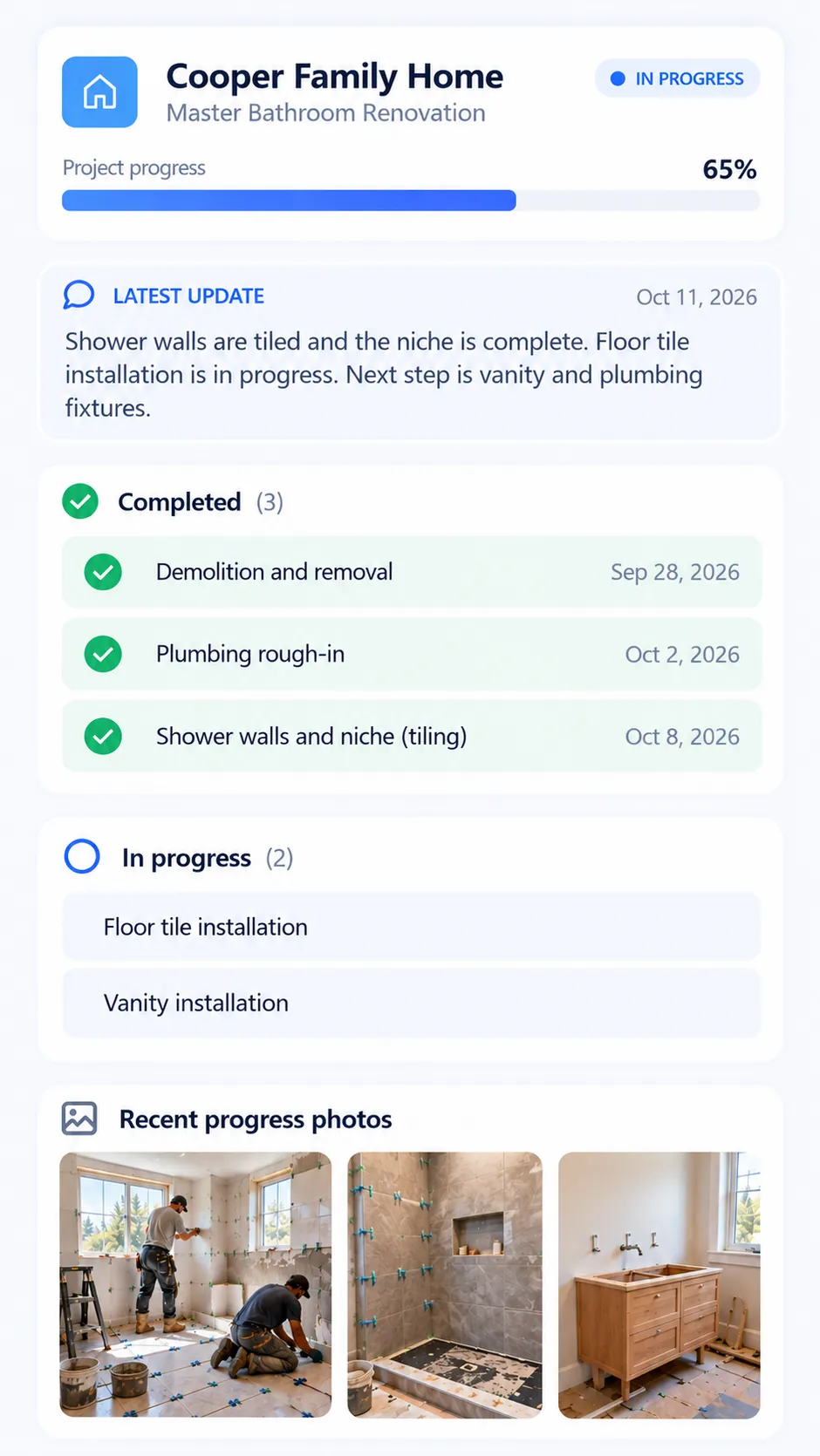
From scattered messages to one clear link.
Contractors lose hours every week to repeated check-ins, photo requests, and status questions.
How it works
Three steps to keep every client in the loop.
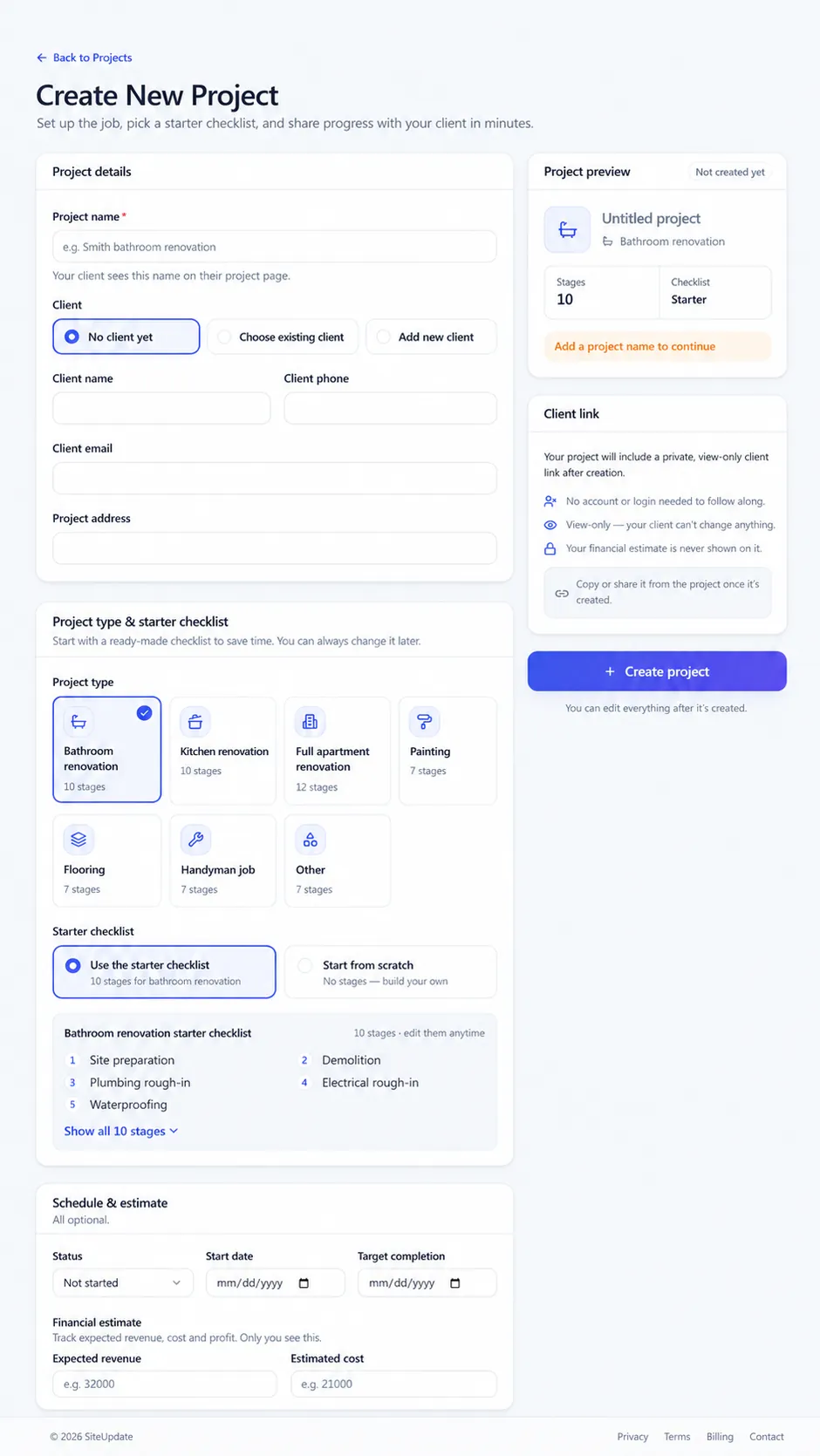
Create the project
Pick a project type and start from a ready-made checklist of stages.
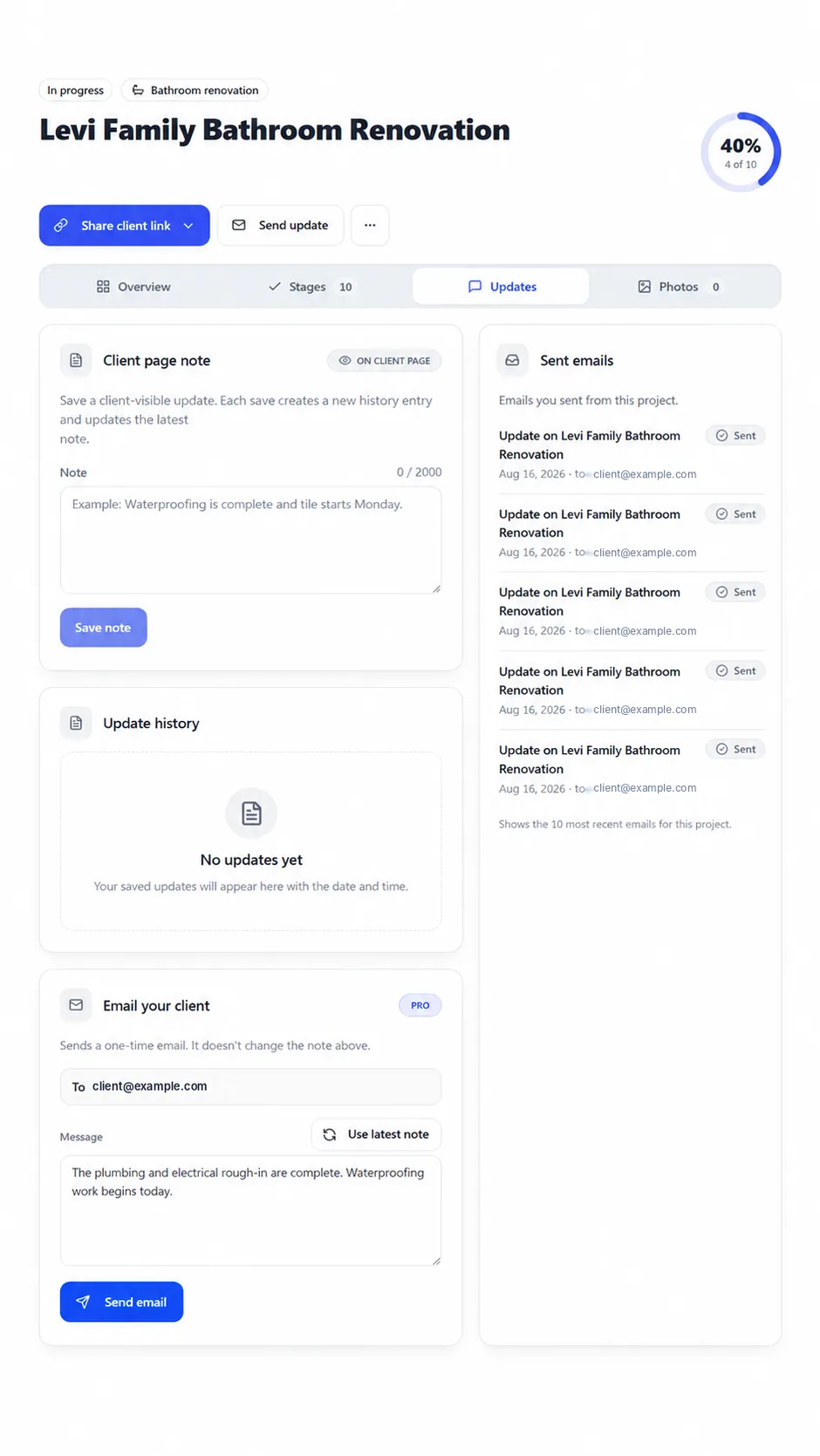
Post an update
Save a note to the client page, or email it to your client on Pro.
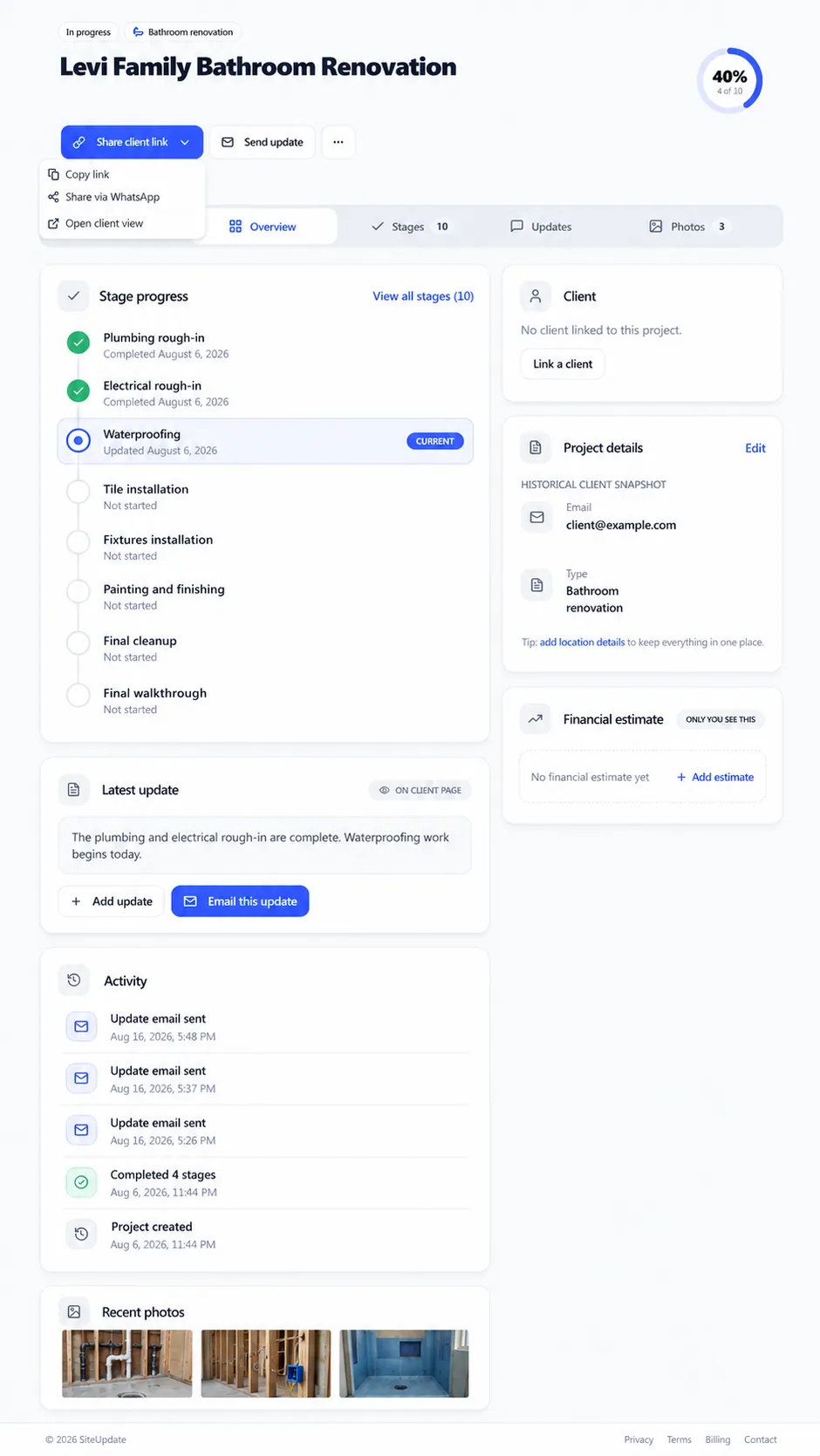
Share one client link
Copy the link or share it on WhatsApp. Clients check progress anytime.
Built for renovation and remodeling work
Small remodeling contractors and renovation teams use SiteUpdate to share progress with clients through one simple link — no client account, no app, no extra software.One simple link for clients — no client account, no app, no extra software.
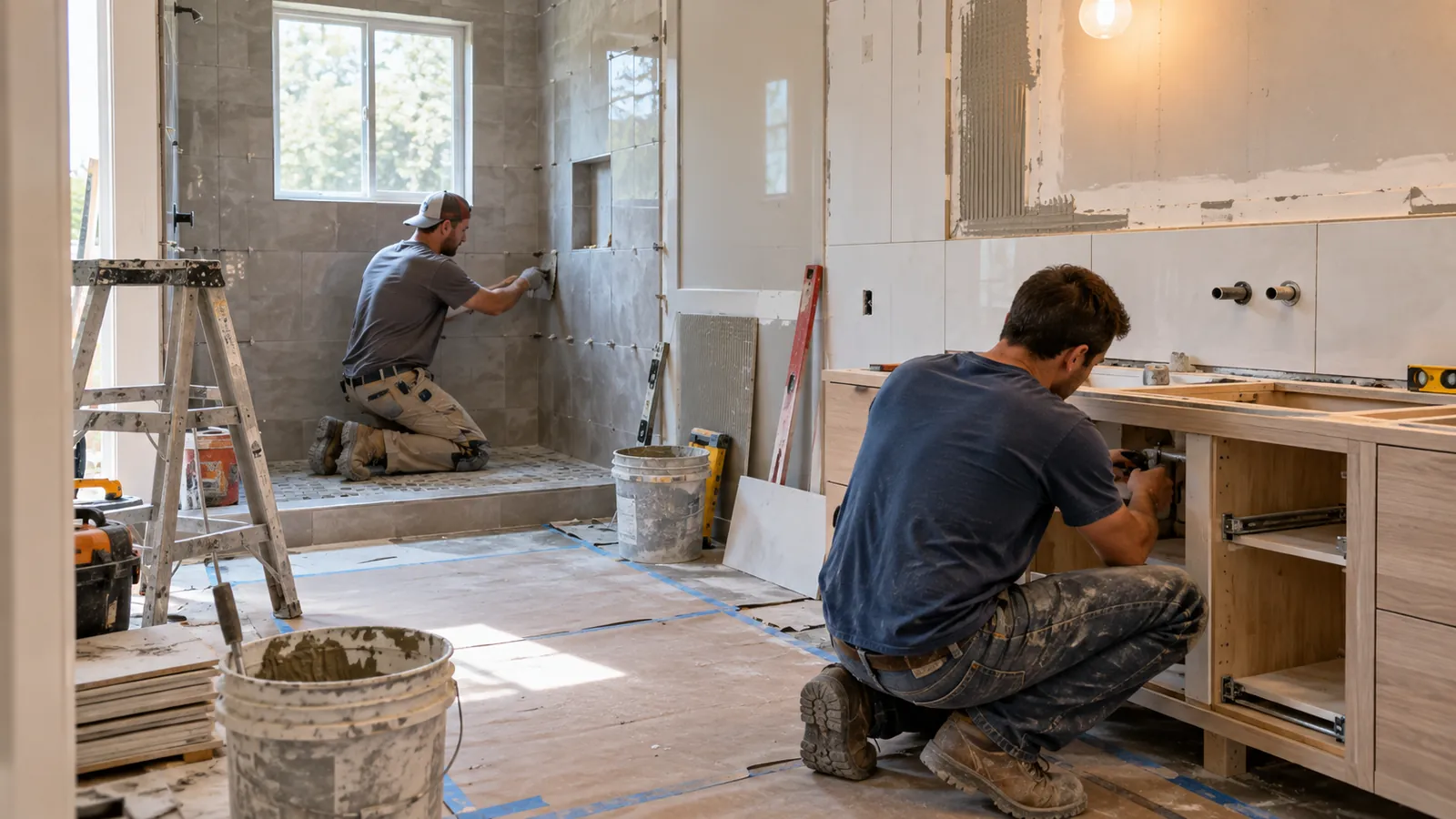
Bathroom remodeling software
Bathroom-project communication and homeowner updates from demo to finish.Homeowner updates from demo to finish.
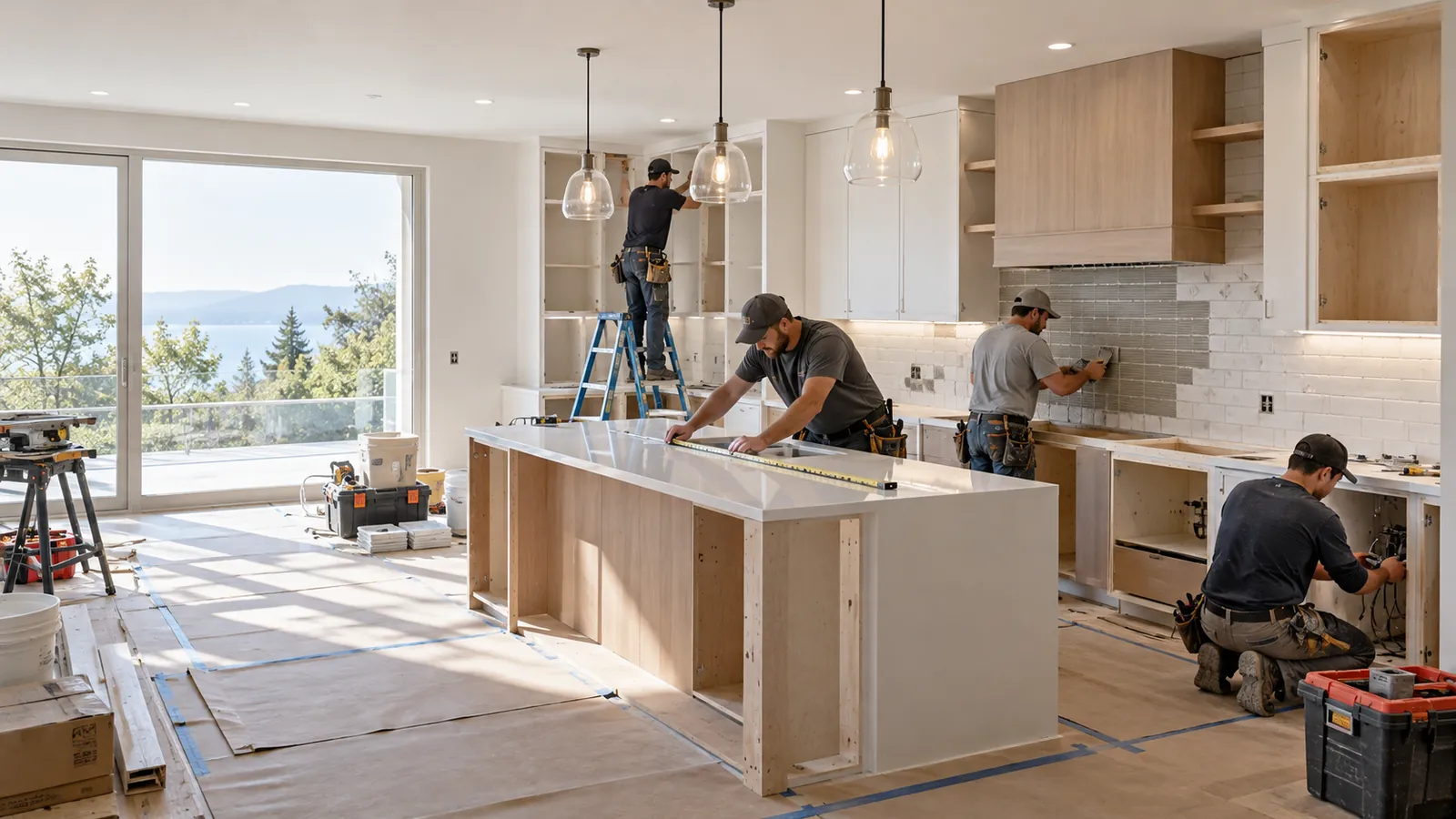
Kitchen remodeling software
Kitchen-project communication across cabinets, counters, appliances, and install.Cabinets, counters, appliances, and install.
Software for remodeling contractors
Construction client portal
Simple pricing
Start free. Upgrade when you need more.
Frequently asked questions
Still have a question? Email support@siteupdate.app.